Claude Code Channels: Event-Driven Agents in Your Terminal (and How It Compares to OpenClaw)
Most coding-assistant workflows are pull-based: you open a repo and ask for help.
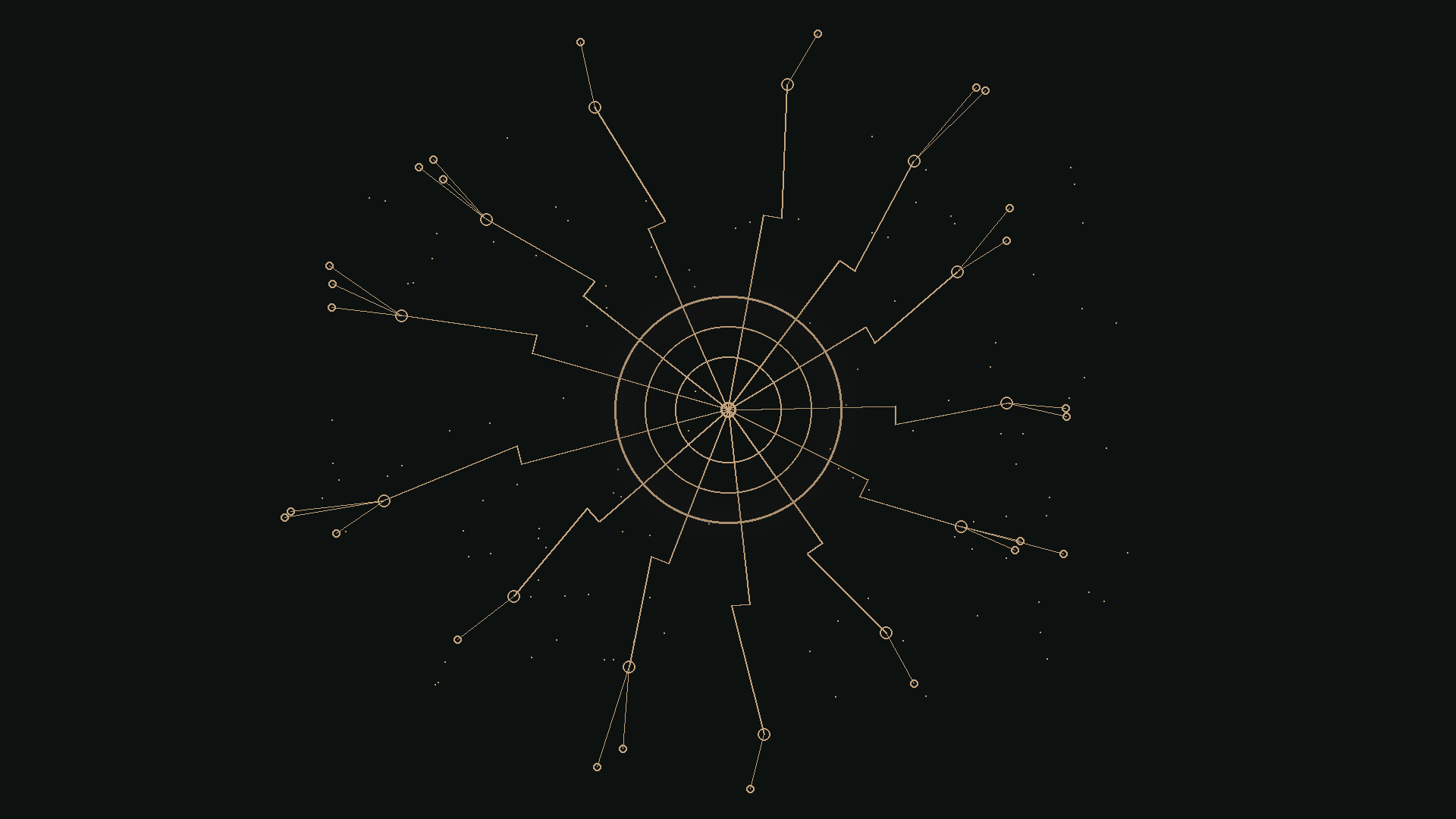
Channels add a push-based primitive: external systems can send events directly into your Claude Code session, and Claude can react immediately—triaging alerts, responding to chat, or kicking off investigation without you constantly context-switching.
If you’ve used agent gateway systems like OpenClaw, the idea will feel familiar. The key differences are scope (session-local vs gateway) and contract (MCP/stdio notifications vs platform routing).
TL;DR
• Claude Code Channels let external systems push events into a live Claude Code session via an MCP server (stdio). • They’re best thought of as event ingress for a terminal session: webhooks, alerts, chat messages →
<channel ...>...</channel>events. • Compared to OpenClaw, Channels are session-local + stdio/MCP; OpenClaw is typically a long-running gateway/router for multi-surface messaging and orchestration. • Safety hinges on sender gating and (optionally) permission prompt relay.
Research preview note (important): Channels are in research preview and require Claude Code v2.1.80+ and a claude.ai login (console/API key auth isn’t supported). Team/Enterprise orgs may need to explicitly enable Channels.
What are Channels? (the contract in plain English)
A channel is an MCP server that Claude Code spawns locally as a subprocess. The server emits notifications/claude/channel events. Claude Code surfaces those events in-session as a <channel ...>...</channel> message that Claude can read and act on.
Channels can be:
• One-way: ingest alerts/webhooks/monitoring events (no outbound reply)
• Two-way: expose a reply tool so Claude can send messages back (e.g., chat bridges)
This looks small on paper, but it changes the feel of the product: Claude Code stops being “something you ask” and becomes “something that can react.”
Minimal example: a webhook receiver channel
This is the core pattern:
- Declare the channel capability
- Connect over stdio
- Forward webhook bodies into Claude as channel notifications
#!/usr/bin/env bun
import { Server } from '@modelcontextprotocol/sdk/server/index.js'
import { StdioServerTransport } from '@modelcontextprotocol/sdk/server/stdio.js'

const mcp = new Server(
  { name: 'webhook', version: '0.0.1' },
  {
    capabilities: { experimental: { 'claude/channel': {} } },
    instructions:
      'Events arrive as <channel source="webhook" ...>. One-way: read and act; no reply expected.',
  }
)

await mcp.connect(new StdioServerTransport())

Bun.serve({
  port: 8788,
  hostname: '127.0.0.1',
  async fetch(req) {
    const body = await req.text()

    await mcp.notification({
      method: 'notifications/claude/channel',
      params: {
        content: body,
        meta: { path: new URL(req.url).pathname, method: req.method },
      },
    })

    return new Response('ok')
  },
})
Test it:
curl -X POST localhost:8788 -d "build failed on main: https://ci.example.com/run/1234"
Claude sees something like:
<channel source="webhook" path="/" method="POST">build failed on main: https://ci.example.com/run/1234</channel>
That’s the whole unlock: the trigger came from outside, but the response happens inside your coding session where Claude has repo context and tools.
Three patterns you’ll actually use
1) CI events (build/test)
Send structured fields (run URL, commit, failing step, short log excerpt). Claude can summarize, locate likely causes, run tests locally, and propose a minimal fix.
2) Monitoring / alerts
Send service/env + fingerprint + rate + links to traces/logs. Claude can turn noisy alerts into a triage plan: “what changed,” “where to look,” “what to try next.”
3) Chat bridges (two-way)
Bridge DMs into a live Claude Code session and optionally allow replies. This is great for “can you look at this error?” but it’s also where you must be strict about who can send messages and what actions Claude can take.
Safety: sender gating + permission prompts
Connecting external inputs to an agent creates an injection surface.
Two practical controls matter more than anything else:
• Gate inbound messages (sender checks / allowlists / signature verification)
• Relay permission prompts through trusted sender paths (so you can approve/deny actions remotely)
Practical default: treat inbound messages as hostile until proven otherwise; only allow trusted sources; keep sensitive tool permissions behind explicit approval.
If you’re building channels for webhooks, a baseline is:
• Require a secret token or signature verification
• Allowlist sources/environments
• Drop anything that doesn’t validate before it becomes a channel event
If you’re bridging chat, a baseline is:
• Allowlist user IDs / workspace IDs
• Treat attachments/links as untrusted until verified
• Apply stricter defaults for tool permissions when the trigger is chat-originated
Claude Code Channels vs OpenClaw (neutral comparison)
Channels and OpenClaw overlap in the “agent plumbing” space: they connect external events to an agent runtime. The difference is largely scope and where the integration boundary sits.
Runtime shape
• Channels: local subprocess per session (tight coupling to your active terminal context)
• OpenClaw: typically a long-running gateway/router that can route messages to many agents/surfaces
Transport / integration boundary
• Channels: MCP over stdio + a specific notification contract that becomes <channel ...> in-session
• OpenClaw: message routing + adapters across providers (chat, webhooks, etc.), typically with a broader routing surface
Auth & org controls
• Channels: claude.ai login required; org enablement may be needed; no API key auth
• OpenClaw: often uses provider tokens/bot creds + deploy-time network posture choices (local/server/tailnet)
Approvals / human-in-the-loop
• Channels: permission prompt relay (when you opt into trusted sender paths)
• OpenClaw: approvals and policy typically live at the gateway/edge (who can trigger what, where messages go, what’s allowed)
Operational concerns
• Channels: local ports for webhooks, per-session lifecycle, direct debugging (it’s “just a process”)
• OpenClaw: service lifecycle, centralized logs/health, more moving parts but more scalable patterns
Takeaway: Channels optimize for a developer-local reactive loop. OpenClaw optimizes for always-on, multi-surface routing and orchestration. Different constraints, different shapes.
Conclusion
Channels are a small primitive with a big implication: Claude Code can react to the outside world while staying anchored in the code context of your current session.
If you build them with strong sender gating and sensible approvals, they unlock a workflow that feels like “agent gateway plumbing,” but scoped tightly to the terminal.
Reference: Channels reference — Claude Code Docs